Monitor Windows OS
Overview
Monitoring of Windows based application requires installation of a lightweight agent, sfAgent on Windows. sfAgent provides following features:
- Monitoring of various services based on specified configurations
- Log parsing and collection
- Trace Java, Python and Golang applications (check out sfTracing for details)
Supported Platforms
- Windows Server 2012
- Windows Server 2016
- Windows Server 2019
Install sfAgent on Windows
Download the sfAgent executable from the link below
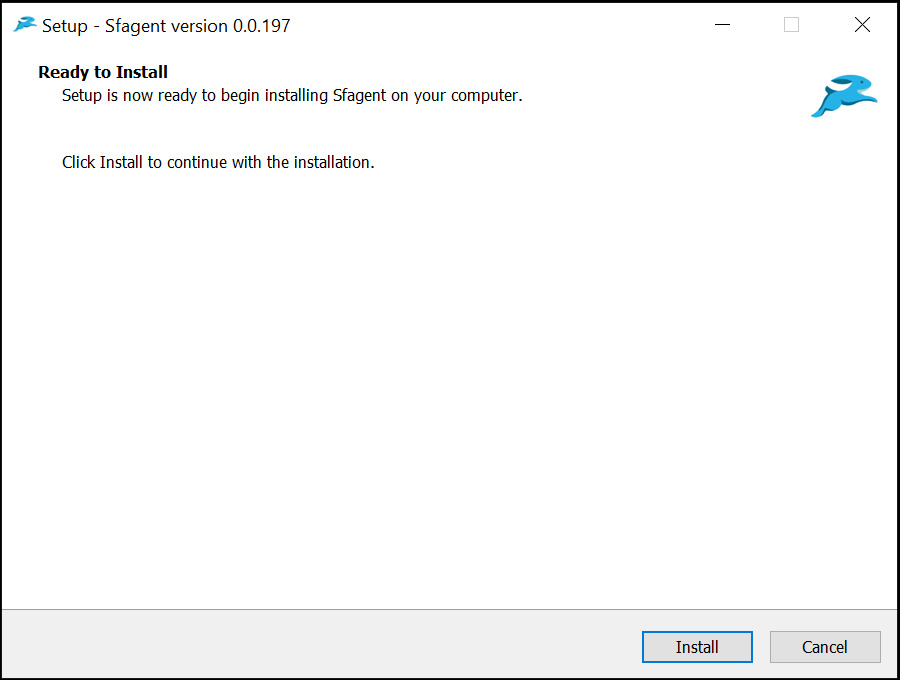
Dowload sfAgentRun sfAgent.exe executable with Administrator privileges and complete the installation
Configure sfAgent on Windows
- Navigate to sfAgent installation location
C:\Program Files (x86)\sfAgent - Open file
sample.yaml - Add Key and edit configuration for metrics and logger
- Save the file and rename
sample.yamltoconfig.yaml
Prerequisites
Powershell.exemust be available in%PATHenvironment variable- For
winjvmplugin, java should be installed and java path should be set in%PATHenvironment variable
Run sfAgent service
- Open task manager and service tab.
- Search for service
sfAgentand right click on it and click start to start service. - To stop, right click on running service and click stop.
Standard Plugins and Log Parsers
sfAgent for Windows includes plugins and log parsers for a number of standard applications and operating system utilities.
(documentation coming soon!)
| Category | Services |
|---|---|
| Windows[Windows Server 2012 and above] | CPU and RAM static and dynamic parameters, Windows WinPSUtil |
| Web Tier | IIS Server (Server Monitoring, Access & Error Logs) |
| App Tier | WinJVM, Apache Tomcat |
| Database and Dataflow Elements | MySQL, MS-SQL |