Monitor Java Application in Docker
Follow the below steps to start tracing of a Java application running in the Docker container.
Prerequisite
Add the Java trace agent jar file to the docker container. Refer to the SFTRACE-CONFIG section in the java_Docker file.
https://github.com/snappyflow/website-artefacts/blob/master/sfTracing/java/java_Dockerfile
Configuration
- Install the Java trace agent to the container and start the container by attaching the agent to the application.
- Add the
profile_key,projectName,appNameto the docker file. - Build and start the container.
View Trace Data
Follow the below steps to view the trace data.
Go to the Application tab in SnappyFlow and navigate to your Project > Application > Dashboard.
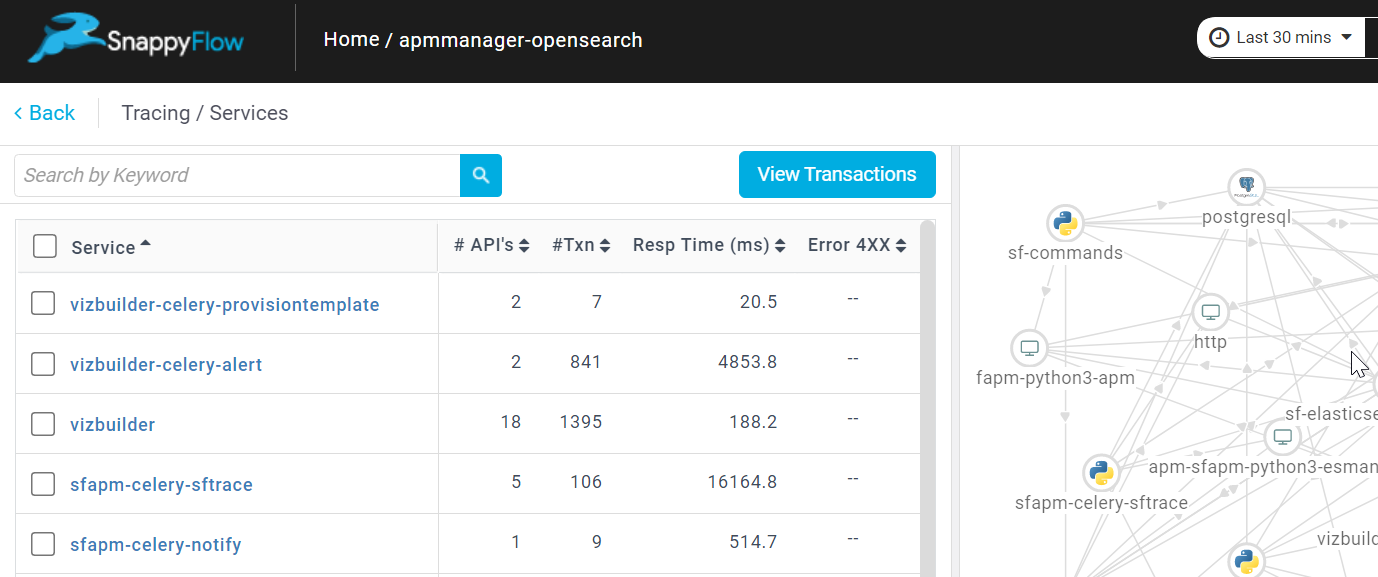
In the dashboard window, navigate to the Tracing section and click the
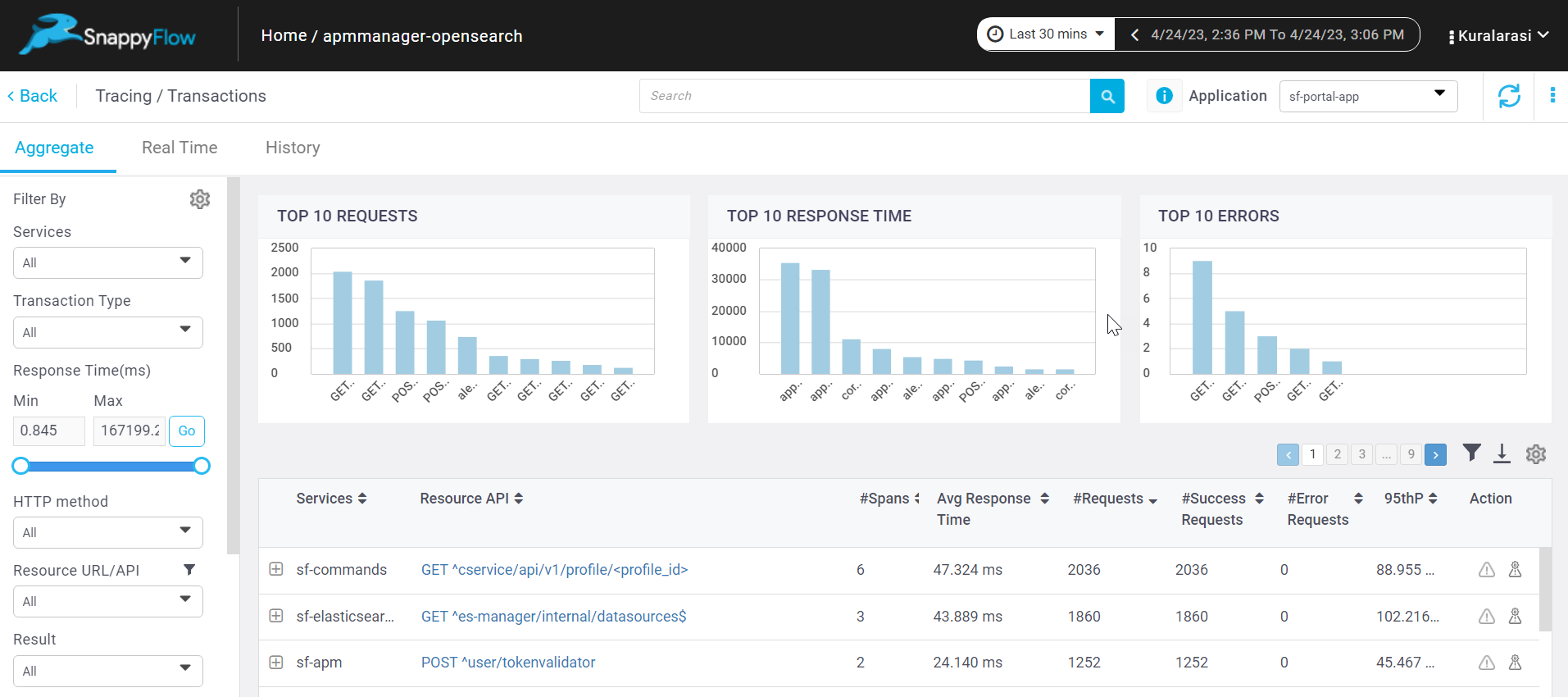
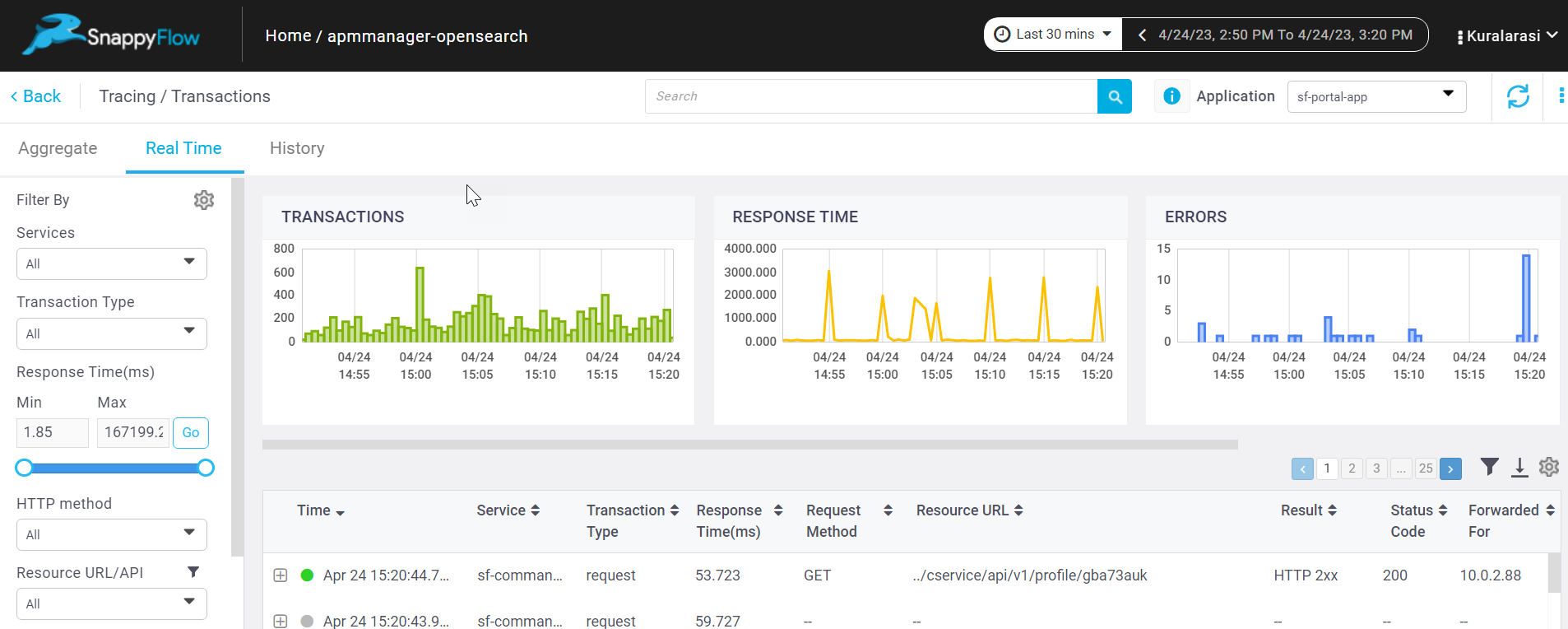
View Transactionsbutton.You can view the traces in the Aggregate and the Real Time tabs.